
Freight Forwarding Odoo app icon

Odoo Freight Forwarding for NVOCC and HBL

Freight jobs, quotes, consolidations, shipping documents, customs, warehouse, and milestone tracking on Odoo.

Industry

Logistics

Technical name

pys_freight_forwarding

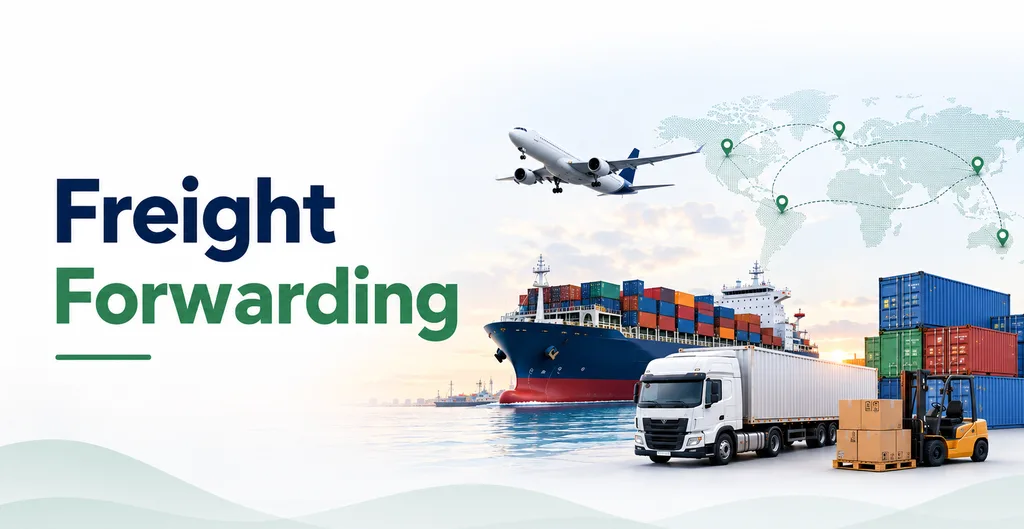
Freight Forwarding Odoo module preview

Freight Forwarding helps NVOCCs and forwarders run ocean, air, road, rail, or multimodal jobs in Odoo. Manage schedules, bookings, containers, and consolidations. Build quotes with frozen rates, issue house and master documents, and handle customs and CFS warehouse work on the job. Track progress with milestones, invoice through Accounting, and share status with customers and agents on the portal. Tracking is milestone-based, not a live carrier AIS or EDI feed. Optional HS code suggestions need your own API key.

Features

  • Multimodal job files

    Ocean, air, road, rail, or multimodal with export, import, cross-trade, and domestic.

  • Quotes with frozen tariffs

    Tariff and surcharge lines snapshot when you quote so rates do not drift on the job.

  • Consol and containers

    Master and house jobs with persisted LCL allocations and container types.

  • HBL / MBL and checklists

    House and master docs plus issue gates for SI, packing list, invoice, and VGM.

  • Milestones and Control Tower

    Operational timeline and OWL queues. Not a live carrier AIS feed.

  • Portal and Accounting

    Customer and agent portals, public track token, invoices via account.move.

Freight Forwarding helps forwarders run job files in Odoo alongside Contacts, Sales, Purchase, Inventory, Accounting, CRM, and Portal. You maintain carriers, ports, HS codes, charge codes, and container types as master data.

Jobs and cargo. Each job covers transport mode (ocean, air, road, rail, or multimodal), direction, and load type such as FCL, LCL, LTL, FTL, or loose cargo. Support standard jobs, master consolidations, and house jobs. Reusable schedules, bookings, and legs keep routing clear. Cargo lines hold packages, weights, and chargeable weight for air. Containers and consols keep house allocations on the master.

Quotes and billing. Build quotes from tariffs and surcharges. When a quote is accepted, rates are frozen so they do not drift on the job. Job charges create customer invoices in Accounting, and job profit and loss comes from those invoices rather than a separate ledger.

Documents, customs, and tracking. Issue house and master bills (HBL, MBL, HAWB, MAWB) plus packing lists, commercial invoices, VGM, arrival notices, and related papers. Optional customs entries and CFS warehouse moves sit on the job. Milestones such as booked, loaded, departed, arrived, customs release, and delivered have planned and actual times. Customers and agents use the portal; a public tracking link can show milestones. The Control Tower is the day-to-day operations view. Optional AI HS suggestions need an API key in Settings. This is not live carrier AIS or EDI tracking.

Compatibility

Odoo 19 Community or Enterprise. Tracking is milestone-based (manual, portal, warehouse, or customs), not a live carrier AIS or EDI feed. Quotes freeze tariff rates when accepted. Job invoices and P&L go through Accounting. Optional AI HS suggestions need your own API key in Settings. Customer and agent portals plus a public track link are available when portal features are enabled.

Depends: base, mail, contacts, account, product, sale_management, purchase, stock, crm, portal, website, web, base_geolocalize, calendar, uom

Changelog

19.0.1.0.1: Freight jobs, schedules/bookings/legs, quotes and tariff snapshots, containers and consols, HBL/MBL and document gates, customs, CFS, milestones, Control Tower, customer/agent portal, public track token, optional AI HS Suggest.

Questions about Freight Forwarding

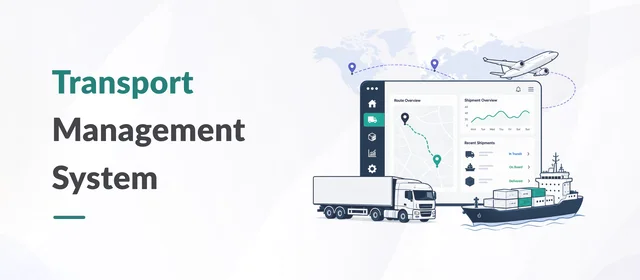
No. TMS is for transport fleet and trips. Freight Forwarding is for NVOCC and forwarder job files, consols, HBL/MBL, and customs.

Reviews

Be the first to rate this app.

Leave a rating

Rating

Your email is not shown publicly.

Need a full demo or a customized workflow?

Book a walkthrough of this app on a live instance, or tell us how you want the module to fit the process you already run.