Structured extraction
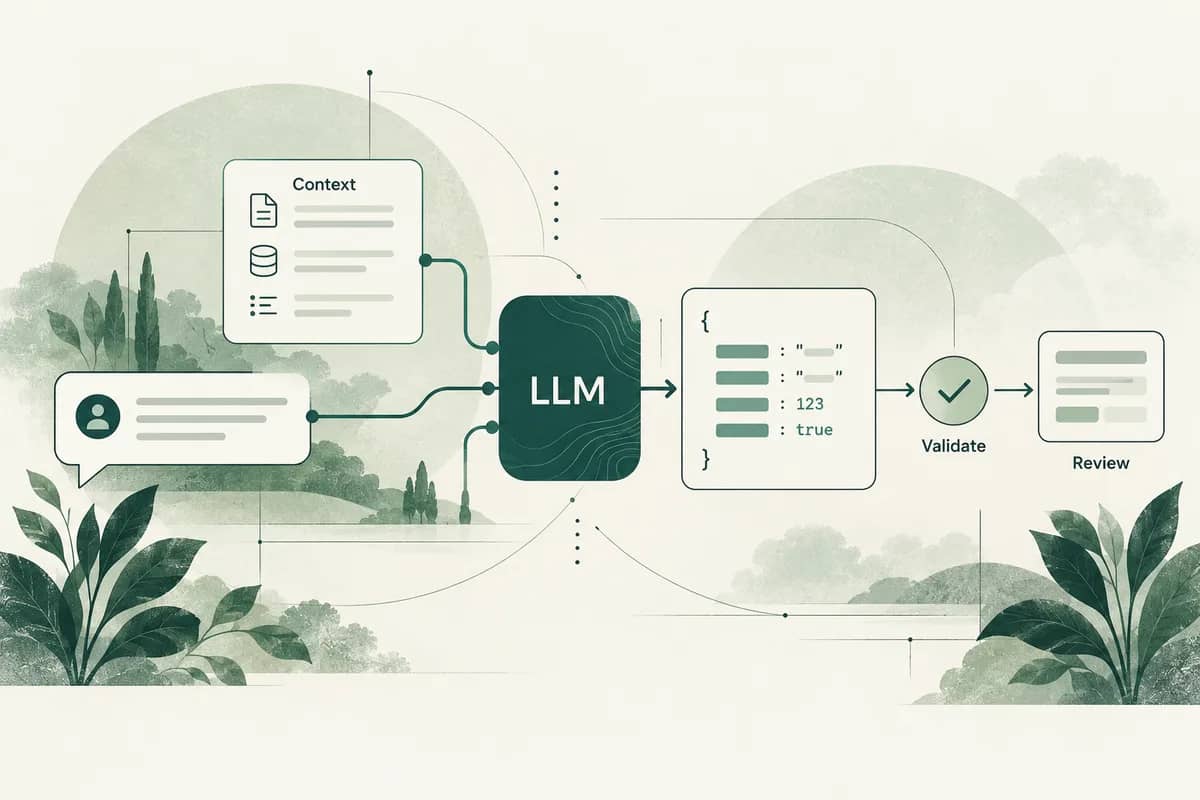
Turn incoming documents and messages into proposed fields, then validate them against business rules and route exceptions to people.
What you getA schema, representative test set and review path.

LLM integrations development
Integrate language models into the workflows people already use. Start with a concrete task, test it on representative examples, and make quality, cost and failure behavior visible.
Choose with context
Useful for language-heavy tasks such as drafting, classification, extraction and assisted support where outputs can be evaluated and uncertain cases can be reviewed.
Model output is not a guarantee of correctness. Exact calculations, authorization and irreversible actions should remain under deterministic application controls.
What we can build
“The delivery arrived damaged.”
Order issue · damaged item
Check required fields
Suggest the next response
Turn incoming documents and messages into proposed fields, then validate them against business rules and route exceptions to people.
What you getA schema, representative test set and review path.
Help teams organize requests and prepare a first response using the tone and context appropriate to the task.
What you getPrompt versions, task-specific evaluation and editable outputs.
Connect model responses to your application through scoped tools and clear user-visible states.
What you getControlled integrations, usage limits and a fallback when the model cannot help.
An example architecture
Compare model choices on your own examples. Record latency, cost and task success, and keep the application usable when a provider is unavailable.
Adapted to your systems, data and operating requirements during discovery.
From first scope to handover
We define the first useful release and its acceptance criteria together. Working software, deployment instructions and the decisions behind it stay with your team.
We compare candidates against representative tasks, expected volume, latency and data requirements. There is no single best model for every feature.
Not necessarily. A bounded model call or a fixed workflow is often easier to test. Agent orchestration makes sense when the task actually needs dynamic decisions or multiple tool steps.
A new build, an existing codebase or one stubborn problem. Bring the context you have.
A little closer, wherever you are
Product engineering, AI and Odoo ERP, with a shared plan and a working rhythm built around your team.
Different time zones. One shared conversation.
Explore our global presence