
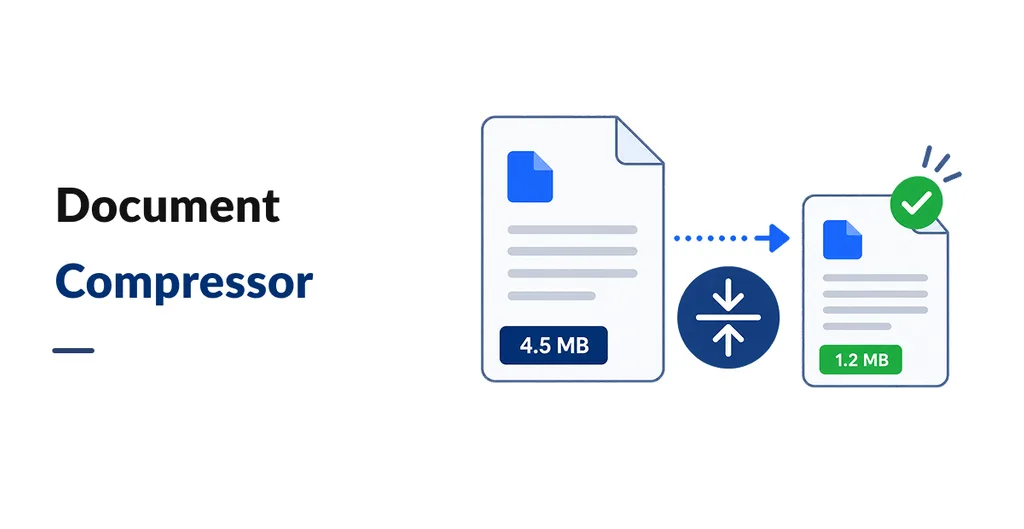
Document Compressor reduces the size of existing PDF and supported image attachments in Odoo, helping businesses manage storage used by invoices, sales orders, customer records, and product images. It processes files already attached to Odoo records, so users do not need to upload replacement files manually.
Compress Attachments Automatically or Manually
Enable the daily scheduled job to process eligible attachments in the background. You can also run compression manually on an individual attachment when a specific file needs attention.
Select Which Files to Compress
The Odoo 19 edition lets you set a minimum file size for automatic compression, filter attachments by date and document type, and review database and attachment size measurements. Odoo 17 and 18 support scheduled and manual compression without these advanced filtering options.
Preserve Files When Compression Does Not Help
The app replaces an attachment only when the compressed result is smaller than the original. Successfully processed files are not processed again, and failed attempts are not marked as completed. Image compression may slightly affect photo quality.
Check Compatibility and Technical Requirements
Document Compressor supports Odoo 17, 18, and 19 Community and Enterprise on Odoo.sh and on premise deployments. The Odoo 19 edition requires Pillow, pypdf, and pikepdf. Ghostscript can improve PDF compression, with a pypdf fallback available when Ghostscript is not installed. Check the dependencies for your selected Odoo version before installation.