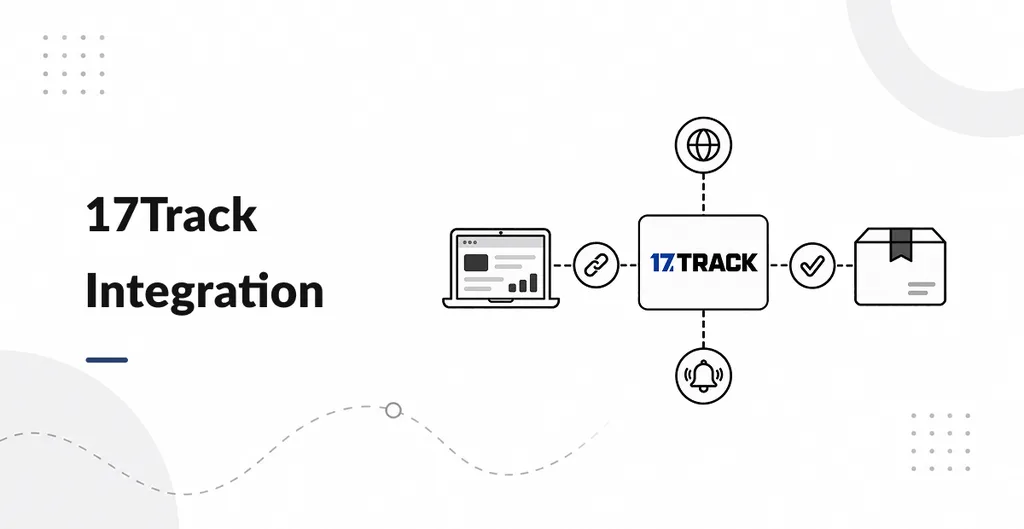
17Track Integration connects Odoo Inventory deliveries to 17TRACK, allowing shipping teams to retrieve courier status and review shipment updates from the delivery record. It is useful for businesses shipping orders through multiple couriers.
Check shipment status from Odoo
Enter a tracking number and select the corresponding courier on the delivery. Use the 17Track Status action to request the latest information from 17TRACK without opening a separate tracking website.
Keep a history of shipment updates
The Shipment Tracking tab records status changes, substatus, estimated delivery details, courier information, and location text. This gives warehouse and customer service teams a history to review when checking a delivery.
Refresh open deliveries automatically
Enable the daily scheduled job to refresh deliveries that have a tracking number and courier selected. You can also refresh shipments manually. Validated deliveries are skipped by the scheduled job, and the manual status action is hidden after validation.
Notify customers when status changes
When the main shipment status changes, the module emails the delivery contact if an email address is available. Identical status refreshes do not trigger repeated notifications, and the module does not email internal users.
Configure the 17TRACK connection
Enter your 17TRACK API token in Odoo Inventory settings and ensure the server can access the 17TRACK API over HTTPS. Select the courier manually from the packaged list, which contains more than 2,700 courier names.
Compatibility and limitations
The app supports Odoo 17, 18, and 19 Community and Enterprise on Odoo.sh and on premise deployments. It does not provide live maps, a public tracking portal, automatic courier detection, or updates after a delivery is validated. An active 17TRACK API account is required.